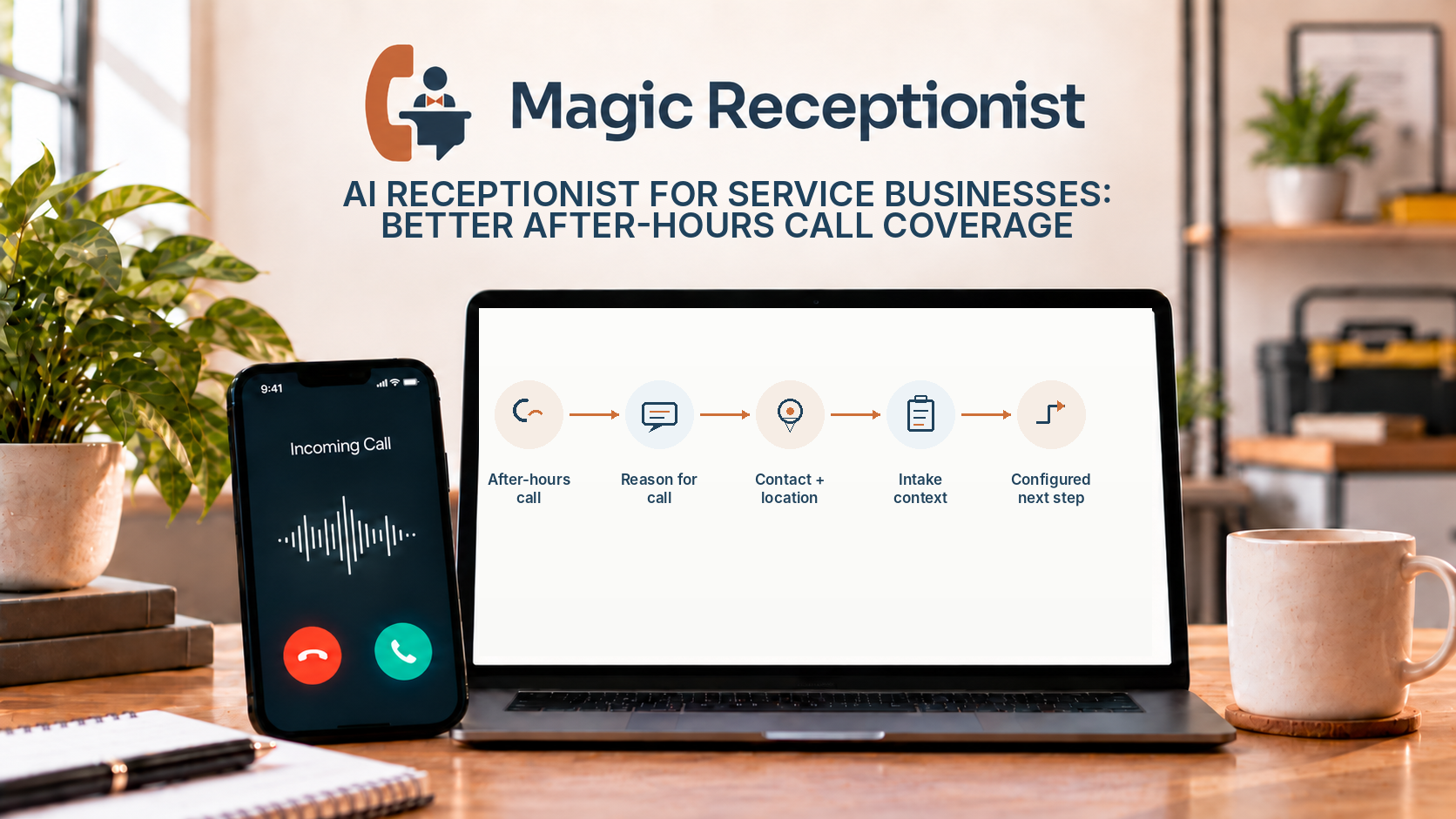
An AI receptionist can answer business calls after hours, collect the reason for the call, and give your team the information needed to follow up. For service businesses, that can mean fewer callers reaching a dead end when everyone is already busy or the office is closed.
Why service businesses miss calls
Service teams spend much of the day away from a desk. A technician may be on a job, a dentist may be with a patient, an estimator may be inspecting a vehicle, or the front office may already be helping another customer.
The phone keeps ringing anyway.
Voicemail can capture a message, but the quality of that message depends entirely on what the caller chooses to leave. Some people explain everything. Others leave a name and number and expect the business to call back to find out why they called.
An AI receptionist can make that first interaction more useful by asking a short set of relevant questions and giving the business a clearer record to work from.
What an AI receptionist can do after hours
For most service businesses, the useful jobs are straightforward:
The point is not to make every call fully automated. The point is to make sure the first conversation moves somewhere useful.
A simple after-hours call flow
A good after-hours experience does not need to be complicated.
The receptionist can ask:
That gives the business a useful starting point the next time someone is available.
Different industries can add the few questions that matter to them. An auto body shop may ask about the vehicle and insurance claim. An HVAC contractor may ask about the equipment and symptoms. A plumber may ask where the problem is happening. A dental office may ask whether the caller is a new or existing patient and what kind of appointment they need.
AI receptionist versus voicemail
Voicemail is simple and familiar. It works when all you need is a recording.
An AI receptionist is more useful when you want a structured conversation. It can ask follow-up questions, confirm basic details, and help make the next action clear.
That can reduce the amount of back-and-forth needed when the business returns the call.
Voicemail can still be part of the phone system. The two are not mutually exclusive. A business can use AI for routine intake and keep voicemail or a person as a fallback for situations that need a different path.
AI receptionist versus a human receptionist
A human receptionist is better at nuanced judgment, emotionally sensitive conversations, unusual exceptions, and situations where context changes quickly.
An AI receptionist is better suited to repeatable intake, overflow coverage, after-hours answering, and consistent information collection.
For many businesses, a hybrid approach makes the most sense: use automation for predictable first-line calls and keep people available for exceptions, decisions, complaints, sensitive conversations, and relationship work.
For a deeper comparison, read AI Receptionist vs Human Receptionist.
What should still reach a person?
Every business should decide which situations need human attention.
Common examples include emergencies, safety concerns, clinical or legal questions, complaints, unusual financial requests, customers asking for a manager, and anything that requires professional judgment.
The receptionist can still collect the caller's basic information and reason for calling, but the decision itself belongs with the appropriate person.
What to decide before using an AI receptionist
Your main call types
List the most common reasons customers call. Those should shape the intake questions.
The information your team needs
Ask only for information that helps the next person respond. Too many questions can make a simple call feel like paperwork.
When calls should be escalated
Decide which situations should reach a person quickly and who should receive them.
What happens next
Choose whether each call type should create a callback, appointment request, transfer, notification, or another action.
Your after-hours experience
Decide what callers should expect outside normal business hours. A clear next step is better than vague promises.
Does an AI receptionist replace staff?
Usually, no. It changes what staff have to spend time doing.
Instead of answering every routine call from the first second, the team can receive a more complete intake record and focus on the follow-up, decision, or service work that requires a person.
For a small team, that can be especially useful during jobs, appointments, lunch periods, evenings, weekends, or seasonal peaks.
Bottom line
An AI receptionist is most useful when it solves a specific coverage problem: customers are calling, the team cannot always answer, and voicemail is not producing enough useful information.
A good system gives callers a clear first interaction, gives the business better context, and keeps people involved where judgment matters.