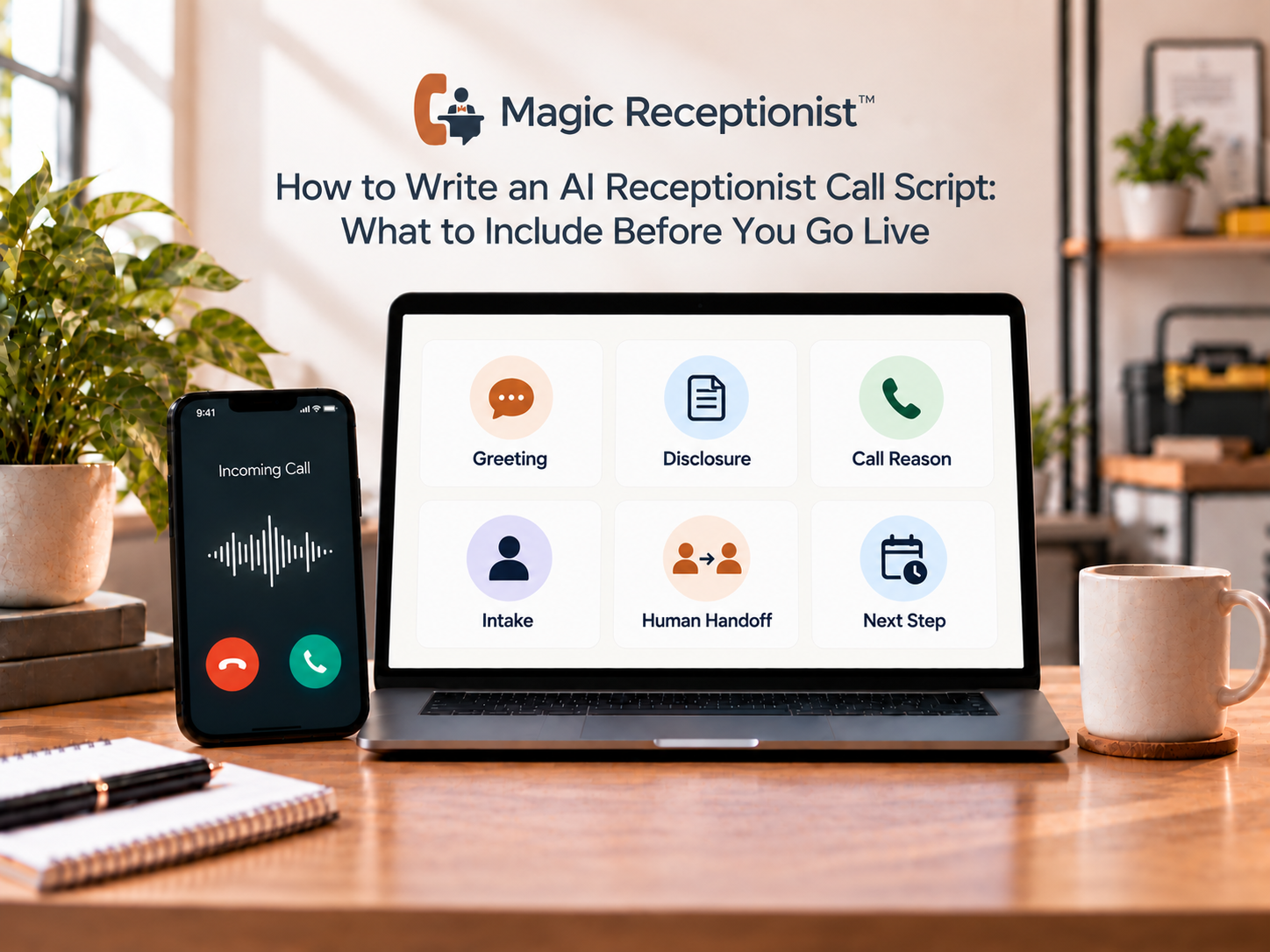
An AI receptionist script is not just the sentence a caller hears when the phone is answered.
A useful script defines what the AI says, what it is allowed to know, which questions it asks, what information it records, what it should not decide, and what happens next for each important type of call.
Before you go live, build the script around the way your business actually handles calls. Start with the minimum information your team needs and add automation only where the next step is clear and verified.
Step 1: write the opening greeting and AI disclosure
The opening should tell the caller who they reached and make it clear that they are speaking with AI.
Keep it short enough that a caller can get to the reason for the call quickly.
A useful structure is:
- Thank the caller for contacting the business.
- Name the business clearly.
- Identify the receptionist as AI.
- Invite the caller to explain what they need.
The exact wording should fit the business voice, but the disclosure should not be hidden behind a long introduction.
Step 2: define the business facts the AI may use
List the information the receptionist can state confidently.
That may include business hours, service area, approved services, location information, current policies, and other facts the business has supplied for the workflow.
Separate facts from judgment.
If pricing depends on an inspection, diagnosis, location, after-hours policy, or staff decision, the script should not turn an incomplete call into a binding quote. If a professional or regulated question requires a licensed person, keep it outside the AI's role.
A good rule is simple: if the business has not approved the fact or action, the AI should not invent it.
Step 3: group calls by the job the caller is trying to complete
Do not write one long interrogation for every caller.
Start with the main reasons people call your business. A service company might have new service requests, existing-customer questions, appointment requests, billing or account questions, vendor calls, complaints, and calls for a specific employee.
Each call type may need a different minimum set of questions.
The receptionist can first understand why the person is calling, then ask only the fields that help move that call toward its next step.
Step 4: choose the minimum useful intake questions
More questions do not automatically create better intake.
For many service-business calls, the useful core is the caller's name, callback number, reason for calling, location when relevant, and the requested next step.
Add fields only when they change what the business does next.
For example, an HVAC company may need equipment or symptom context. A dental office may need appointment-request context. An auto body shop may need vehicle and damage information. A law firm may need matter and jurisdiction context before staff review.
The questions should reflect the real workflow rather than a generic AI template.
Step 5: decide what the AI may answer and what stays human
This is one of the most important parts of the script.
Create a clear boundary for unknown, sensitive, unusual, or high-stakes requests.
Human staff should remain responsible for judgment, professional advice, exceptions, negotiation, complaints that need discretion, and decisions the business has not deliberately automated.
When the caller asks something outside the approved information, the AI should not make up an answer. It should move to the configured transfer, callback, message, or follow-up path.
Step 6: define the next step for each call type
Every intake path should end somewhere.
Possible next steps can include a callback request, a message, an appointment request, a supported booking action, a configured transfer, an email handoff, or a verified downstream workflow.
Only promise actions the actual setup can perform.
If the receptionist can collect an appointment request but cannot write to the calendar, say that the request was captured for confirmation. If live transfer is not configured, do not tell the caller that they are being transferred. If SMS is not enabled, do not promise a text.
Clear next-step language is part of the customer experience.
Step 7: write the fallback language before you need it
Decide how the receptionist responds when the caller is unclear, asks the same question again, requests a person, refuses to provide a field, or asks something outside scope.
The fallback should help the caller move forward without pretending the AI has information it does not have.
Useful fallback behavior can include asking one clarifying question, offering to capture a callback request, or explaining that a team member needs to handle the question.
Do not make the fallback an endless loop of rephrased questions.
Step 8: define after-hours behavior separately when it changes
The same business may need different behavior when staff are unavailable.
After-hours callers may need a different greeting, a callback expectation, an on-call path, or a narrower set of actions.
Do not imply that ordinary after-hours coverage is an emergency service. If the business has safety-sensitive or urgent call rules, those rules should be explicitly defined and tested.
Step 9: connect the script to the tools the team actually uses
The conversation and the handoff are two parts of the same workflow.
Decide where the result goes after the call. Magic Receptionist can use supported email workflows and verified webhook or Zapier-compatible delivery for supported events. Other actions, including native CRM connections, SMS workflows, and calendar writes, should be treated as conditional until they are explicitly supported and configured.
The script should not promise a downstream action that the integration layer cannot complete.
Step 10: test the script with difficult calls, not just the happy path
Run realistic test calls before relying on the workflow.
Test a normal inquiry, a vague caller, someone who asks for a person, an after-hours request, a question the AI should not answer, an appointment request, and a case where the downstream action is unavailable.
For each test, ask:
- Did the caller understand they were speaking with AI?
- Did the receptionist ask only useful questions?
- Did it stay inside approved facts and actions?
- Did it recognize when a human or fallback was needed?
- Did the team receive the right call record or next step?
If the answer to any of those is no, adjust the workflow before moving more production traffic through it.
A simple call-script checklist
Before launch, make sure the script defines:
- AI disclosure and opening greeting.
- Approved business facts.
- Main call types.
- Minimum intake fields for each call type.
- Questions or decisions that remain human.
- Transfer, callback, message, or follow-up rules.
- Appointment-request versus booking behavior.
- After-hours differences.
- Notification and integration behavior that is actually configured.
- Test scenarios and acceptance criteria.
That checklist is more useful than trying to write a perfect conversation word for word.
How Magic Receptionist fits the script process
Magic Receptionist setup can configure the voice, greeting, business information, intake questions, call flow, and what happens when a caller needs a person.
The exact phone routing, booking actions, notifications, and integrations depend on the workflow actually configured for the business.
If your existing phone system is staying in place, treat the call script and the phone path as related but separate setup jobs. The existing phone-system guide explains the routing side in more detail.
Bottom line
A strong AI receptionist script gives the AI clear authority and clear limits.
Tell callers they are speaking with AI, use approved business facts, ask only questions that help the next step, define what stays human, and test the difficult scenarios before launch.
The goal is not to make the AI sound like it can do everything. The goal is to make each call end with a clear, truthful next step.