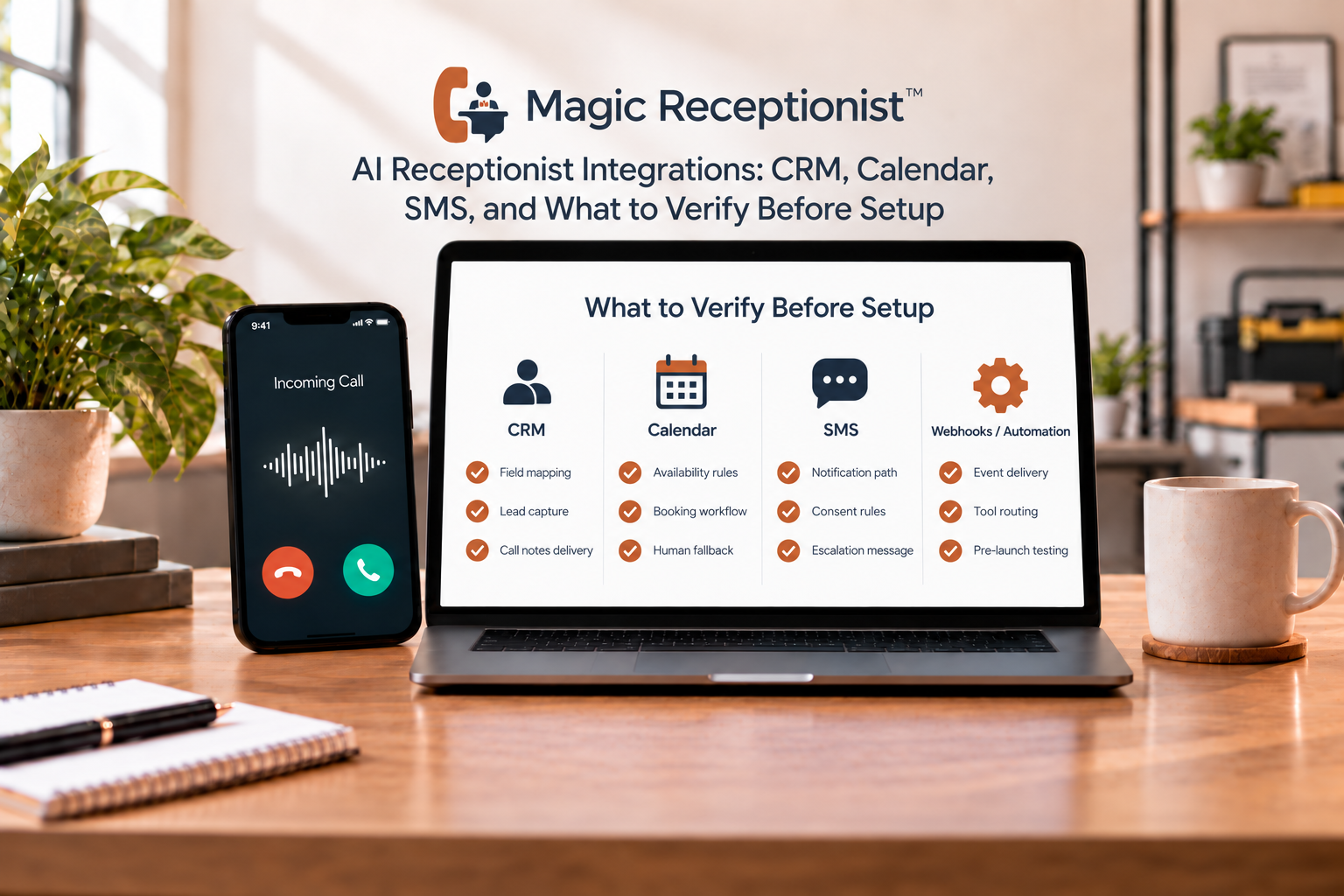
An AI receptionist can answer a call without being connected to every system your team uses.
That distinction matters. A receptionist may be able to collect a caller's details, appointment request, or callback request even when it cannot write directly into your CRM or calendar. A connection may also send structured information out of the receptionist without giving the AI permission to change records inside another system.
Before you buy or configure an AI receptionist, define the exact result you need after the call. Then verify that specific path instead of relying on a broad claim that the product has "integrations."
Start with the action, not the app name
Ask what should happen after a call.
Do you need your team to receive an email? Do you want a lead record sent to a CRM? Should an appointment request reach a scheduling workflow? Does a manager need a text alert? Should a callback request appear in another system?
Those are different jobs. A product can support one without supporting the others.
A useful integration review names three things:
- The event that starts the workflow.
- The information that should move.
- The destination or action that should receive it.
For example: "When a new caller requests an estimate, send the caller name, number, service context, and requested next step into our lead workflow." That is much easier to verify than "Does it integrate with our CRM?"
What Magic Receptionist can connect today
Magic Receptionist's current product boundary is intentionally specific.
Supported call and lead events can be delivered through a verified HTTPS webhook path. A Zapier-compatible webhook path is also available for supported events. Applicable workflows can use supported email notifications and reporting.
Those connection paths are useful because they can move structured call results into a workflow your team already uses.
They do not mean that every third-party product has a native Magic Receptionist adapter.
If a CRM, calendar, SMS workflow, or other destination is important to your process, confirm that the exact connection and action you need are available and configured before you rely on them.
CRM connection: define what should arrive
"Connect to the CRM" can mean several different things.
A team may only need a new caller or lead record created with contact details and call context. Another team may want an existing record updated. A third may want ownership, pipeline stage, source, or follow-up tasks changed automatically.
Those are separate automation requirements.
Before setup, decide which call events should leave Magic Receptionist, which fields are required, where they should land, and who should review failures or incomplete records.
If the current supported path uses a webhook or Zapier-compatible workflow, treat that as the connection you are buying. Do not assume that the presence of a CRM name elsewhere on the internet means a native adapter is active for your account.
Calendar connection: appointment request is not the same as booking
This is one of the easiest integration claims to misunderstand.
An AI receptionist can collect an appointment request, including the caller's preferred time or other scheduling context, without writing anything to a calendar.
A true booking action requires a supported scheduling workflow, the right availability data, business rules, permissions, and confirmation behavior. That workflow must be configured and tested.
If direct calendar booking matters to your business, verify the exact calendar or scheduling path before launch. If it is not configured, the safe behavior is to capture the request and leave a clear follow-up step for the team.
SMS: alerts and caller messages need their own setup
SMS should not be treated as an automatic side effect of answering a call.
Magic Receptionist can support SMS notifications only where the required workflow and consent settings are enabled. The recipient, event, and message purpose need to be defined.
A text alert to an owner is also different from a text sent to a caller. Those two uses can have different workflow and consent requirements.
If text messaging is important, specify who receives the text, which event triggers it, what information it contains, and what should happen if delivery fails.
Email can be the right first connection
Not every small business needs a complex integration on day one.
If the business mainly needs a reliable record of who called, why they called, and what follow-up was requested, a supported email workflow may be enough to improve the handoff without adding another system dependency.
That can also be a useful first stage. Start with a clear call workflow and a dependable handoff. Add more automation when the business can name the problem the connection should solve.
What should you test before relying on an integration?
Run the workflow end to end.
Test a normal inquiry, a callback request, an appointment request if it is in scope, and at least one call that should not trigger the downstream action.
Then check:
- Did the right event fire?
- Did the correct caller fields arrive?
- Did the information land in the intended destination?
- Did any automation create a duplicate or overwrite the wrong record?
- Is there a clear recovery path if the destination is unavailable?
A connection is not verified merely because a configuration screen saved successfully.
Five questions to ask about any AI receptionist integration
- What exact event is supported?
- What data is sent or written?
- Is the connection native, webhook-based, Zapier-compatible, or custom?
- Which actions require separate configuration, permissions, or add-ons?
- How is the workflow tested before live calls depend on it?
Those questions make vendor comparisons much clearer.
Keep the business system you already trust
For many service businesses, the AI receptionist should not become a second system of record.
Your CRM, practice-management system, dispatch platform, case-management system, or scheduling tool can remain the place where your team works. The receptionist's job is to collect approved caller context and move the result into the next configured step.
That is why integration planning starts with the workflow, not with a list of logos.
Bottom line
AI receptionist integrations are useful when they solve a specific handoff problem and are verified end to end.
Magic Receptionist currently supports verified webhook and Zapier-compatible delivery for supported events, along with supported email workflows. Other actions, including native CRM connections, SMS workflows, and calendar writes, should be treated as conditional until the exact path is available, configured, and tested for the account.
Define the event, data, destination, and recovery path first. Then choose the connection that matches the real job your team needs done.