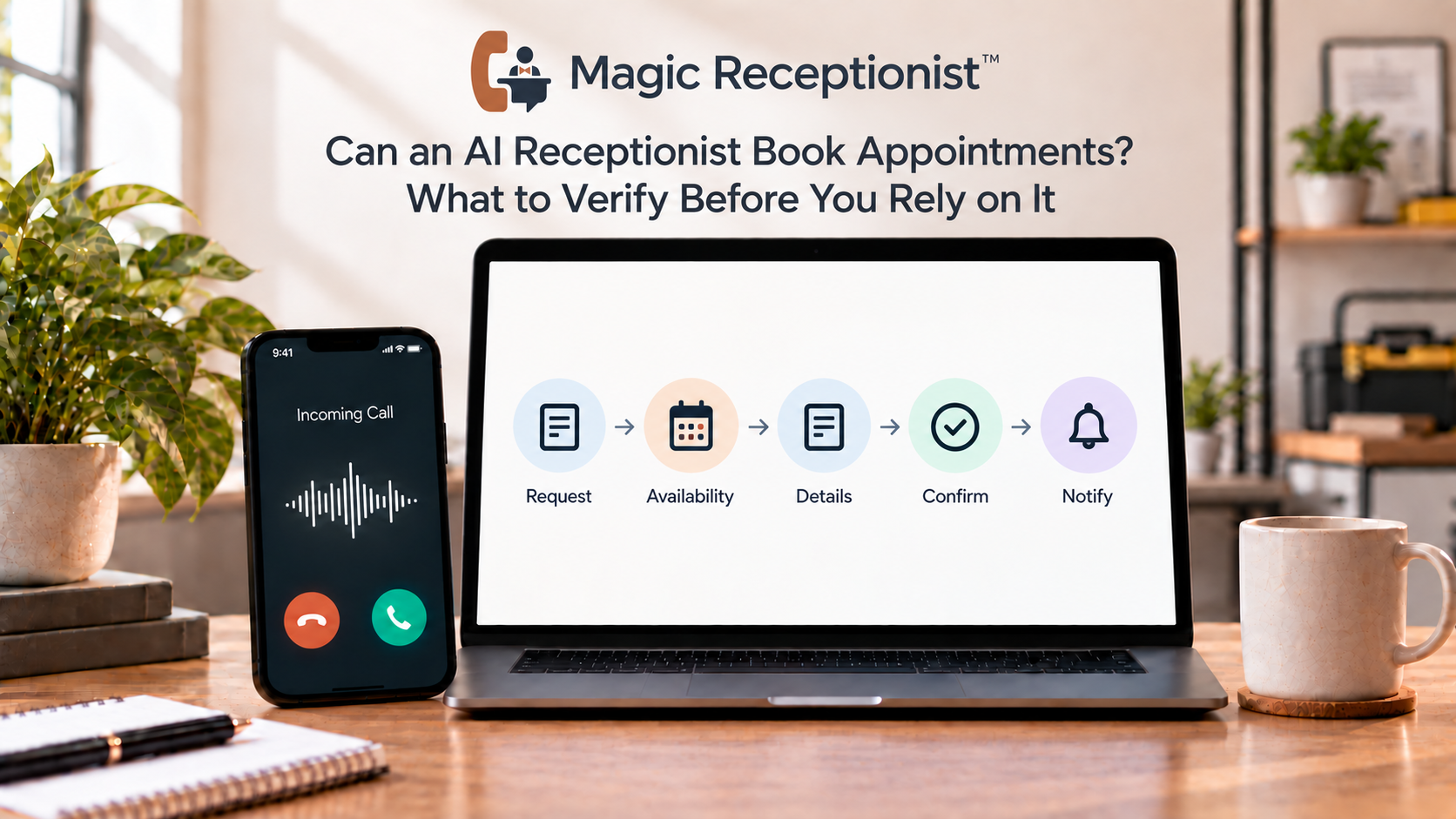
Yes, an AI receptionist can support appointment workflows. But "book appointments" can describe several different actions, and buyers should verify which one is actually configured.
At the simplest level, the receptionist can collect an appointment request: who is calling, what they need, preferred timing, and other approved scheduling context. A true booking goes further. It needs a supported scheduling path, access to the right availability, business rules, permissions, and a reliable confirmation step.
If those pieces are not configured, the receptionist should capture the request for follow-up rather than tell the caller an appointment has been booked.
First, separate appointment request from appointment booking
An appointment request means the caller has told the business when or why they want to schedule.
The receptionist may collect the caller's name, contact information, service or visit type, timing preference, location, provider preference when relevant, and other approved fields.
That can be valuable even without a calendar connection because the team receives a structured request instead of a vague voicemail.
A booking means the system has actually reserved a valid time in the scheduling system and can truthfully tell the caller what was confirmed.
Those are not the same result.
What does direct booking require?
A reliable booking workflow needs more than an AI voice.
It usually needs access to the correct availability source, rules for which services can use which times, appointment duration, location or staff constraints, lead time, buffers, closed dates, and any other policy that affects the schedule.
It also needs a supported action that can create or reserve the appointment and a confirmation path that tells the caller what actually happened.
If any of those pieces are missing, a confident-sounding answer can create a scheduling error.
Can Magic Receptionist book appointments?
Magic Receptionist can collect appointment-request context as part of a configured call workflow.
Direct booking actions depend on the workflow that is actually supported, configured, and verified for the business. Calendar writes and other scheduling actions should not be assumed from the phrase "AI receptionist."
When direct booking is not enabled, the safer workflow is to capture the caller's request and give the team the information needed to confirm it.
What should the receptionist know before scheduling?
The business needs to define the rules that a front desk employee would normally use.
Depending on the business, that can include:
- Which appointment or service types can be scheduled.
- How long each type takes.
- Which staff members, rooms, locations, or resources are eligible.
- Which times are actually available.
- Whether new and existing customers follow different rules.
- What information is required before a slot can be confirmed.
- What situations require a person instead of automatic scheduling.
The AI should not invent a policy when the business has not supplied one.
What about dental, medical, salon, and home-service appointments?
The word "appointment" means different things across industries.
A dental office may need a visit type, patient status, provider preference, and insurance context. A salon may care about service type, stylist preference, and duration. A home-service company may be collecting a requested service window rather than promising a technician arrival time.
Those differences are why a generic booking claim is not enough.
The receptionist workflow should match the business's real scheduling process and keep professional or safety-sensitive decisions with the appropriate staff.
How should availability be handled?
If the receptionist can read a verified availability source, it still needs rules for interpreting that availability.
An open block on a calendar does not always mean every caller can use it. The business may have travel zones, staff qualifications, service durations, provider restrictions, or other constraints.
If the scheduling workflow cannot verify a valid slot, it should fall back to an appointment request or human confirmation rather than inventing availability.
What should happen when booking fails?
Every automated booking workflow needs a recovery path.
The calendar may be unavailable. The requested time may disappear while the call is in progress. Required information may be missing. The caller may ask for an exception.
Decide whether the receptionist should offer another supported option, collect a callback request, or send the case to a person.
The caller should leave the conversation knowing whether the appointment is confirmed, requested, or awaiting follow-up.
How should confirmations work?
A booking is not complete from the caller's perspective if the system cannot clearly communicate the result.
Define what the receptionist says after a successful booking and what additional confirmation, if any, is sent through the configured workflow.
Do not promise an SMS or email confirmation unless that notification path is actually enabled.
Test scheduling with real scenarios before launch
Use more than one clean test.
Try a normal appointment request, a time that is unavailable, a caller who changes their mind, a request that needs a person, an after-hours call, and a case with incomplete information.
If direct booking is configured, verify that the appointment appears in the intended system with the correct details and that duplicate calls do not create unintended duplicate bookings.
Also test the failure path. The most important scheduling bug may happen when something cannot be booked.
Questions to ask before relying on AI appointment booking
- Is the AI collecting a request or completing a booking?
- What availability source does the workflow use?
- Which appointment rules are enforced?
- What system receives the confirmed booking?
- What happens when the requested time is unavailable?
- How does the caller know whether the appointment is confirmed?
- What is the human fallback for exceptions?
If a vendor cannot answer those questions clearly, the booking claim needs more scrutiny.
Bottom line
An AI receptionist can make scheduling more useful without pretending that every appointment workflow is the same.
Start by deciding whether you need request capture or a completed booking. If you need direct scheduling, verify the availability source, business rules, connection, confirmation behavior, and failure path before callers depend on it.
With Magic Receptionist, appointment-request capture can be part of the configured intake. Direct booking should be described only when the supported workflow has actually been configured and verified.