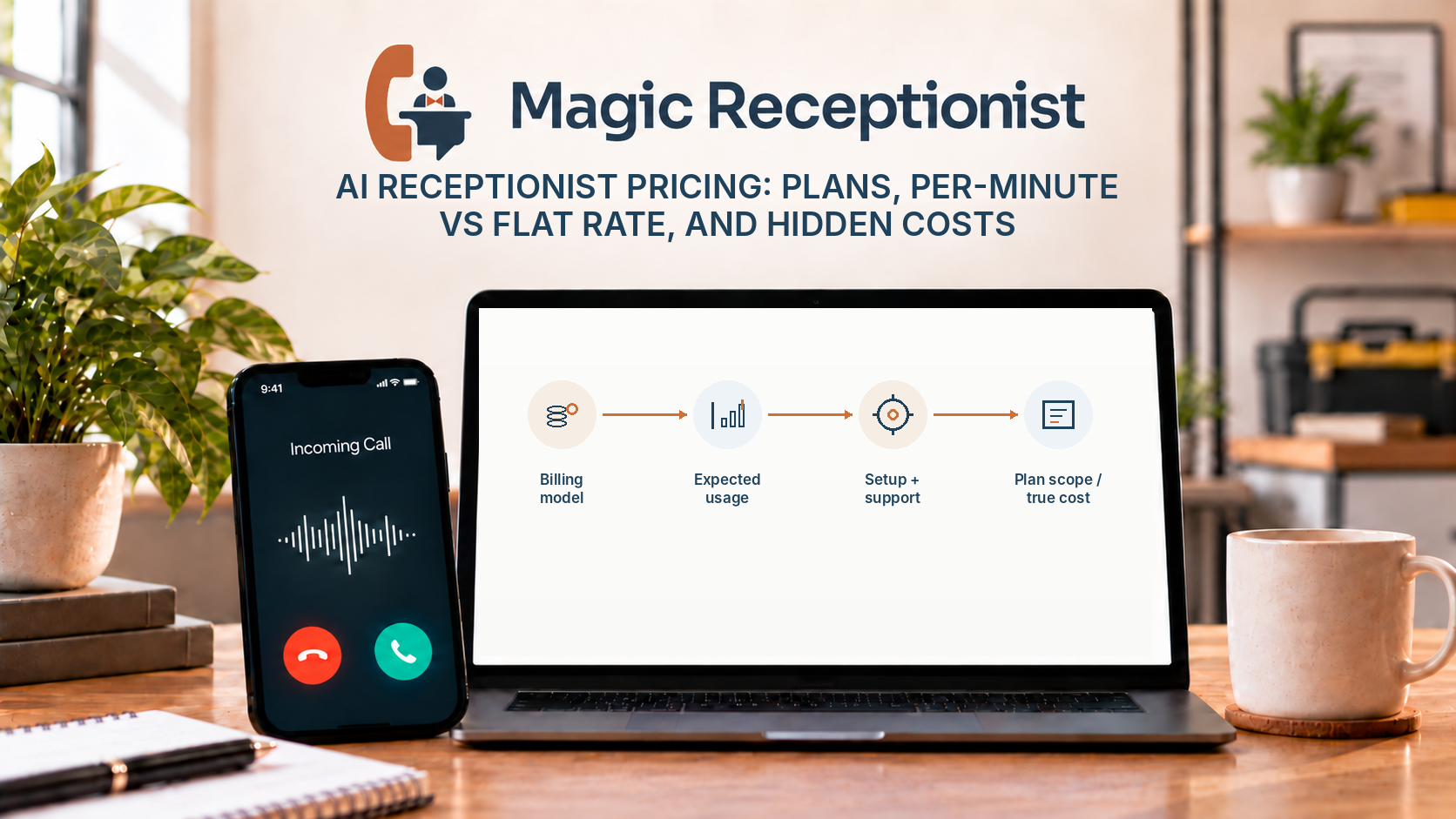
AI receptionist pricing can look simple on a sales page and still be difficult to compare.
One provider may charge a low monthly fee plus usage. Another may use a flat managed price. Another may separate setup, add-ons, phone usage, integrations, or higher-volume support.
The useful question is not only "What is the monthly price?" It is "What will this cost for the way my business actually receives and handles calls?"
Magic Receptionist has current public plan options on its pricing page. Because plans and commercial terms can change, this article explains how to evaluate the pricing structure rather than hard-coding plan prices that may become stale.
The main AI receptionist pricing models
Most offers can be understood through a few basic pricing patterns.
Monthly fee plus usage
A usage-based plan has a recurring base charge and then bills for some measure of consumption, often minutes or calls.
This can work well when call volume is low or unpredictable. The tradeoff is that the monthly total can move as usage changes.
When evaluating a usage-based plan, ask what counts as billable usage, what is included before overage starts, and whether short calls, spam, transfers, or test calls are treated differently.
Flat monthly managed pricing
A managed plan may charge a predictable monthly amount for normal use within the plan's stated boundaries.
The benefit is budgeting. The business can plan around a known recurring cost rather than watching a minute counter every day.
The important detail is the boundary. "Flat" or "all-inclusive" should not be interpreted as unlimited in every possible scenario. A provider may have reasonable-use thresholds, location limits, or a separate high-volume path. Ask what happens when normal usage grows beyond the intended range.
Add-on or campaign pricing
Some call products separate specialized features from the core receptionist.
For example, a dedicated campaign or advertising call-handling product may use a monthly base plus per-call usage, while the main receptionist remains on a different billing model.
When a provider has add-ons, compare the total system you actually need instead of comparing only the cheapest headline plan.
What costs should you look for besides the monthly fee?
Start with setup.
Some plans are self-service. Others include managed onboarding or offer optional setup services. Ask whether number configuration, call-flow design, script tuning, test calls, integrations, or custom work are included or separately scoped.
Then look at ongoing support. A lower monthly fee can be less attractive if every workflow change becomes a paid project. A higher managed plan can be more attractive if the business values hands-on configuration and support.
Also ask about location limits. A plan priced for one business or location should not be assumed to cover multiple locations automatically.
Why per-minute versus flat rate is not a simple winner
Neither model is automatically better.
Usage pricing can be efficient for a business with low call volume that wants a small starting commitment. It can be harder to budget when volume grows.
Flat managed pricing can make costs more predictable for a business with consistent call demand. It may also include a different level of service or operational support.
The right comparison uses your real call pattern.
Look at a representative month and estimate how many inbound calls you receive, how long the conversations tend to last, when calls go unanswered, and whether you want the AI to handle every call or only overflow and after-hours traffic.
What does "fair use" mean?
The phrase needs a concrete explanation from the provider.
A reasonable-use policy can exist to protect service quality and economics without turning every extra minute into a surprise charge. Ask whether the threshold causes an automatic overage, a cutoff, a review, or a move to another plan.
For Magic Receptionist, the current plan rules are published on the pricing page and maintained separately from this article. Check the pricing page for the current included usage, reasonable-use treatment, and setup choices rather than relying on an old screenshot or an older blog post.
What about booking, transfers, integrations, and notifications?
Do not assume every feature is included in every tier.
A provider may support certain workflows only when they are configured, connected, or included in the selected service. The same product family can have a self-service entry path and a more managed business path with different support and workflow boundaries.
Make a short list of the actions your business actually needs. Then compare plans against that list.
If your only requirement is answering calls and capturing caller context, you may not need the same package as a business that wants complex routing, connected workflows, reporting, or higher-touch support.
Five questions to ask before choosing a plan
- What is the normal monthly charge for my expected usage?
- What happens when usage goes above the included or reasonable-use level?
- What setup work is included, optional, or separately priced?
- Which actions and integrations are actually available in the plan I am considering?
- Is the plan priced per business, per location, per number, per user, or another unit?
Those five questions prevent many misleading comparisons.
How should a small business estimate its likely cost?
Use actual call data if you have it.
Look at a recent month of inbound calls. Note how many calls arrive, when they arrive, which ones are missed, and roughly how long the typical conversation lasts. Then decide how much of that traffic you want the receptionist to handle.
If the AI will answer only after hours, your expected usage may be very different from a setup where it handles the main business line all day.
Also consider the value of management time. A self-service option may have a lower cash cost but require more internal setup and maintenance. A managed option may cost more but reduce the amount of configuration work the business handles itself.
What should you compare on the Magic Receptionist pricing page?
Compare the plans based on the way you want your phone workflow to operate.
Look at the current billing model, included usage or reasonable-use rules, setup choices, location scope, and which level of management fits your team. If you are evaluating a campaign-specific add-on, compare that separately from the core receptionist.
The pricing page is the current place to check what a buyer can purchase today.
Bottom line
AI receptionist pricing makes more sense when you separate the headline price from the billing model, usage rules, setup work, support, and workflow requirements.
A low monthly fee is not automatically cheaper, and a flat rate is not automatically better. The right choice is the one that fits your call volume, desired level of management, and the actions you actually need the receptionist to perform.
Use the current Magic Receptionist pricing page to compare the plans and terms that are available now.